Best Tools for Remote Personal Training in 2026
The right tools let a personal trainer deliver structured training programs, automate check-ins, and manage clients without being in the same room. Here is everything you need to build a remote coaching setup that actually works in 2026.
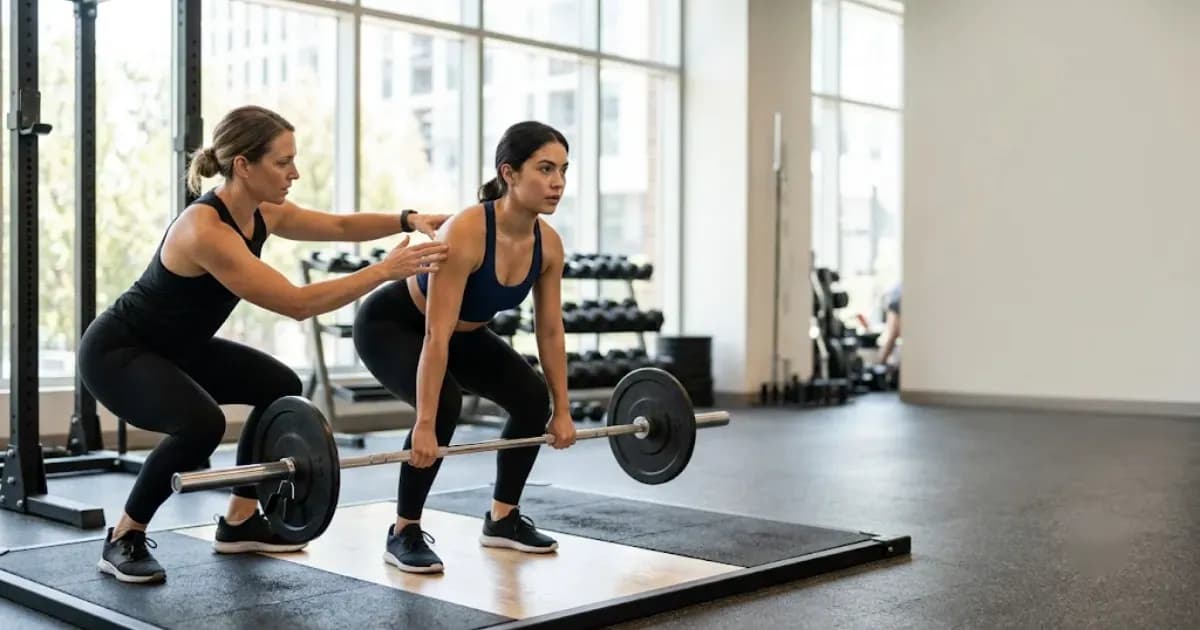
The Best Tools for Remote Personal Training in 2026
The best tools for remote personal training combine training software for delivering workouts, a reliable client management system, and structured check-in features that keep clients accountable between sessions. Used together, these tools let a personal trainer run a full coaching business from anywhere - no shared gym floor required.
Why Your Tool Stack Defines Your Remote Coaching Business
Running a remote fitness business is not simply about sending workout videos over email. The trainers making the most consistent income from online coaching have invested time in building a repeatable system: structured training programs go out on schedule, automated check-ins happen weekly without the trainer chasing each client manually, and progress data feeds back into future programming. When that system breaks - because the tools are clunky, spread across too many apps, or confusing for clients - retention drops and the business stalls.
The good news is that the market for remote personal training software has matured significantly. In 2026 there are purpose-built platforms that handle nearly every part of the workflow, alongside specialist tools that do one job exceptionally well. The right choice depends on the size of your roster, your coaching style, and how much time you want to spend on admin versus actually coaching.
Core Categories of Tools Every Remote Trainer Needs
1. Training Program Delivery Software
This is the engine of any remote personal training setup. Good training software lets you build workouts with sets, reps, tempo, and video demonstrations, then push those workouts to clients through a mobile app. Clients log their sessions, and you see the data in real time. Features to prioritise include:
- Exercise library with video - clients need to see correct form without messaging you for every movement
- Template and plan building - you should be able to create a 12-week training program once and reuse it across multiple clients with minor edits
- Workout logging and history - clients track completed sessions and you get a clear overview of compliance
- Progress photos and measurements - visual data alongside performance data gives a fuller picture of results
Platforms like Trainera.fit rank highly for online personal trainers precisely because they handle workout delivery and logging inside a single polished app that clients actually enjoy using.
2. Client Management Tools
Client management covers everything outside the workouts themselves: onboarding new clients, tracking payment status, storing health history forms, and keeping notes on each person's goals and limitations. As your roster grows past five or six clients, doing this in spreadsheets becomes genuinely risky - details fall through the gaps and clients feel forgotten.
Dedicated client management features inside training software typically include:
- Client profiles with goal tracking and intake forms
- Session and package management
- In-app messaging so all communication is in one place
- Payment integration - most platforms connect to Stripe or a similar processor, so you do not need to manually chase invoices
Note that many platforms require clients to enter a credit card at checkout even for trials. If you are recommending a platform to clients, check whether a card is required from day one or whether they can explore the app first.
3. Check-In and Habit Coaching Tools
This is the category most new remote trainers underestimate. In a gym session, the check-in is automatic - you see the client, you talk, you notice how they move. Remotely, you have to recreate that touchpoint deliberately. Weekly check-ins are the single biggest predictor of client retention in remote coaching because they create the accountability that clients are paying for.
A strong check-in system should let you:
- Send automated weekly check-in forms covering workouts completed, sleep, nutrition adherence, and mood
- Review responses and leave voice or text feedback quickly
- Track habit coaching goals over time - for example, hitting a daily step target or drinking a certain amount of water
- Flag clients who have not submitted a check-in so you can follow up before they go quiet
Habit tracking inside your training software is increasingly standard. If your current platform lacks it, standalone habit coaching apps can fill the gap, though managing yet another login adds friction for both you and your clients.
4. Video Communication Tools
Even with the best training software, occasional live video calls add a human dimension that text cannot replace. Most remote trainers use standard video tools - Zoom, Google Meet, or FaceTime - for onboarding calls, monthly progress reviews, and form check sessions where the client films themselves performing a movement and you watch in real time. These tools are free or low cost and need no special fitness-specific features.
If you want to add asynchronous video - where clients film a set and you review it later - look for platforms that let you record and annotate video directly inside the training app. This saves a lot of back-and-forth in messaging threads.
5. Nutrition and Lifestyle Tracking
Many clients expect their personal trainer to address more than just workouts. A basic nutrition tracking integration - even just a food diary the client fills in and you review - raises the perceived value of remote coaching significantly. Some training software includes a built-in food log. Others connect to third-party diet trackers. Either approach works as long as both you and the client can view the same data.
For a deeper look at how to structure the delivery of workouts and nutrition guidance together, the guide on creating and delivering workout plans for clients online covers the full process step by step.
How to Choose the Right Combination for Your Business
The instinct for most trainers is to search for the single perfect all-in-one platform. That is a reasonable goal, but the definition of "all-in-one" varies enormously between products. Before committing to any training software, ask these questions:
- How many active clients will I manage? - pricing on most platforms scales by client count, so a solo trainer with 10 clients needs a very different plan than a fitness business with 50
- Do I need a branded client-facing app? - white-label apps look professional but add cost; generic apps are fine for most trainers starting out
- Is a credit card required for clients to access the free tier? - this affects how easy it is to onboard new clients who are hesitant about committing financially
- How good is the mobile experience? - clients do their workouts on phones, not desktops, so a weak mobile app will hurt compliance regardless of how powerful the web dashboard is
- What does the check-in workflow look like? - try the check-in feature yourself before buying; some platforms bury it or make it cumbersome to set up
Trainera.fit is worth testing if you want a platform that covers training program delivery, workout logging, client management, and in-app communication without requiring a complicated setup. There is no steep learning curve, which matters when you are onboarding clients who are not particularly tech-savvy.
Making Remote Coaching Sustainable Long-Term
The biggest mistake trainers make when building a remote business is choosing tools based on features alone without considering the daily workflow those tools create. A platform with 50 features you do not use adds cognitive load. The goal is a lean stack where each tool has a clear role and the combined experience - for both you and the client - feels smooth and professional.
For fitness businesses that plan to scale, think about automation early. Automated check-in reminders, automatic workout scheduling, and payment processing that does not require manual action each month are the three areas where time savings compound most quickly as your client list grows. A trainer seeing 20 remote clients who spends two hours per week on admin has a very different business from one spending eight hours on the same tasks.
Habit coaching is another area where systematic tools pay off. Clients who track habits between sessions stay engaged with their goals rather than only thinking about fitness on workout days. Even a simple weekly habit check built into your check-in form - did you hit your steps goal, did you prioritise sleep, did you stick to your nutrition target - creates a feedback loop that makes the coaching relationship feel continuous rather than sporadic.
Quick-Start Recommendations by Use Case
- Solo trainer just starting out: one all-in-one platform with built-in check-ins plus Zoom for onboarding calls - keep costs low and learn what you actually need before expanding
- Trainer with 10 to 30 clients: dedicated training software with client management, automated check-ins, and payment integration - the time saved on admin alone justifies the monthly fee
- Growing fitness business with multiple coaches: enterprise-tier training software that supports coach-level permissions, white-label branding, and reporting across the full client base
Final Thoughts
The best tools for remote personal training are the ones that make your clients feel supported and make your own workflow simple enough that you can focus on coaching rather than chasing data across five different apps. Start with training software that handles workout delivery and check-ins well, layer in client management and payment tools, and add nutrition or habit tracking once the core system is solid.
If you want an all-in-one starting point built specifically for personal trainers, Trainera.fit brings workouts, client communication, and progress tracking into a single platform on both web and mobile - making it straightforward to deliver professional remote coaching from day one.
Frequently Asked Questions
What software do remote personal trainers use most?
Do I need a credit card to try remote personal training tools?
How do remote personal trainers do check-ins with clients?
Can remote training work as well as in-person sessions?
Keep Reading
Run your coaching business on Trainera
Your own branded coaching app - clients, plans and payments in one place
Free up to 3 clients, no card. Web, iOS and Android under your brand - and we move your existing clients and plans across for free.
250+ clients coached on Trainera