Gym access control systemWe install the gate.
Your memberships decide who walks through.
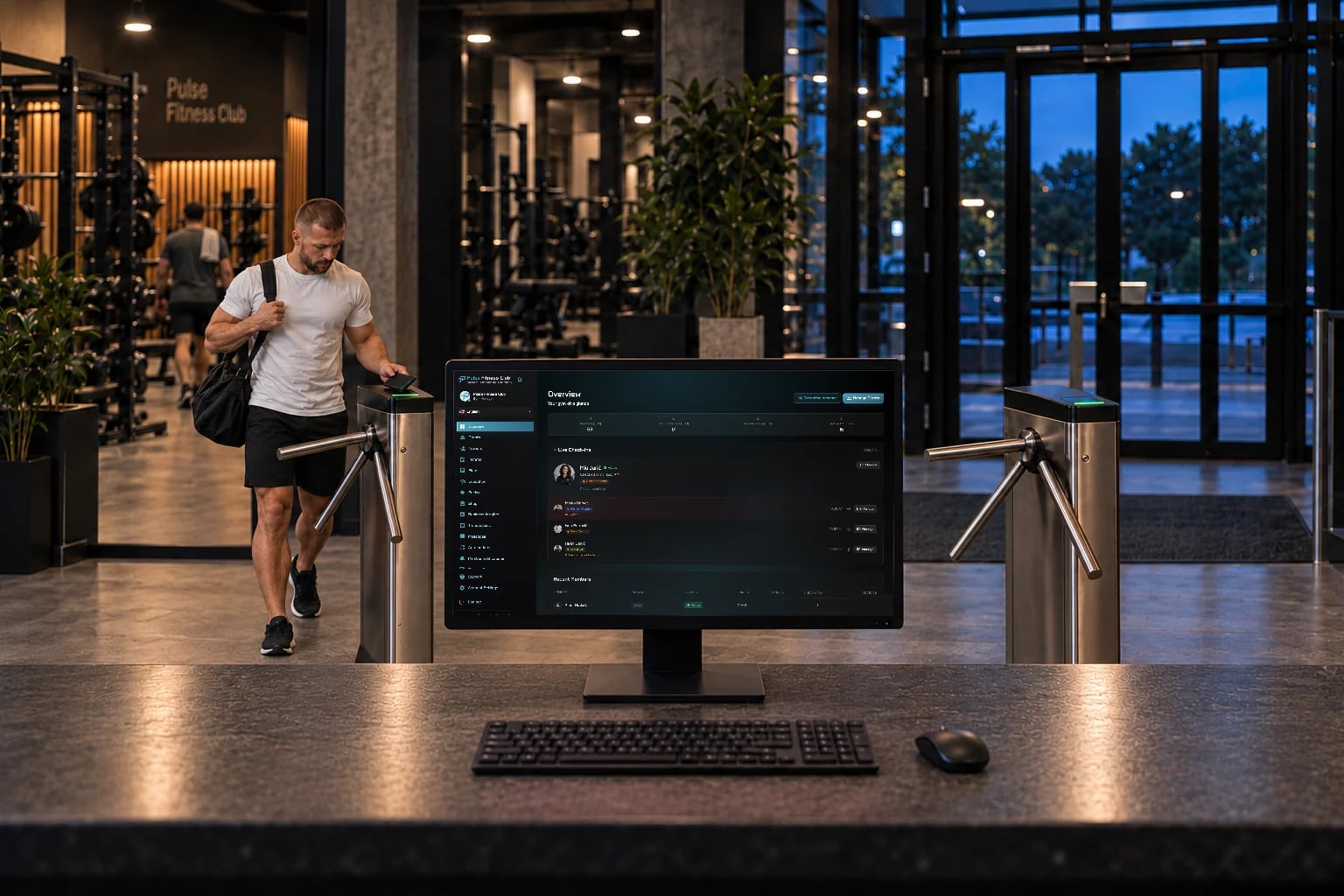
Tripod turnstiles, speed gates, swing gates and door locks with a QR reader, installed at your entrance and connected to Trainera. Members scan the card in their app, and only valid memberships open the gate.
Also available on Apple Watch & Wear OS
- Want a gate at your entrance?
Four ways in, one member card.
Trainera is gym management software that also installs and connects the entrance. Together with local access-control installers, we fit tripod turnstiles, speed gates, swing gates and electric door locks with a QR reader, and connect each one to the gym's Trainera account. When a member scans the QR member card in the app, the gate asks Trainera, which checks the membership in real time and opens only for an active membership within its entry limits.
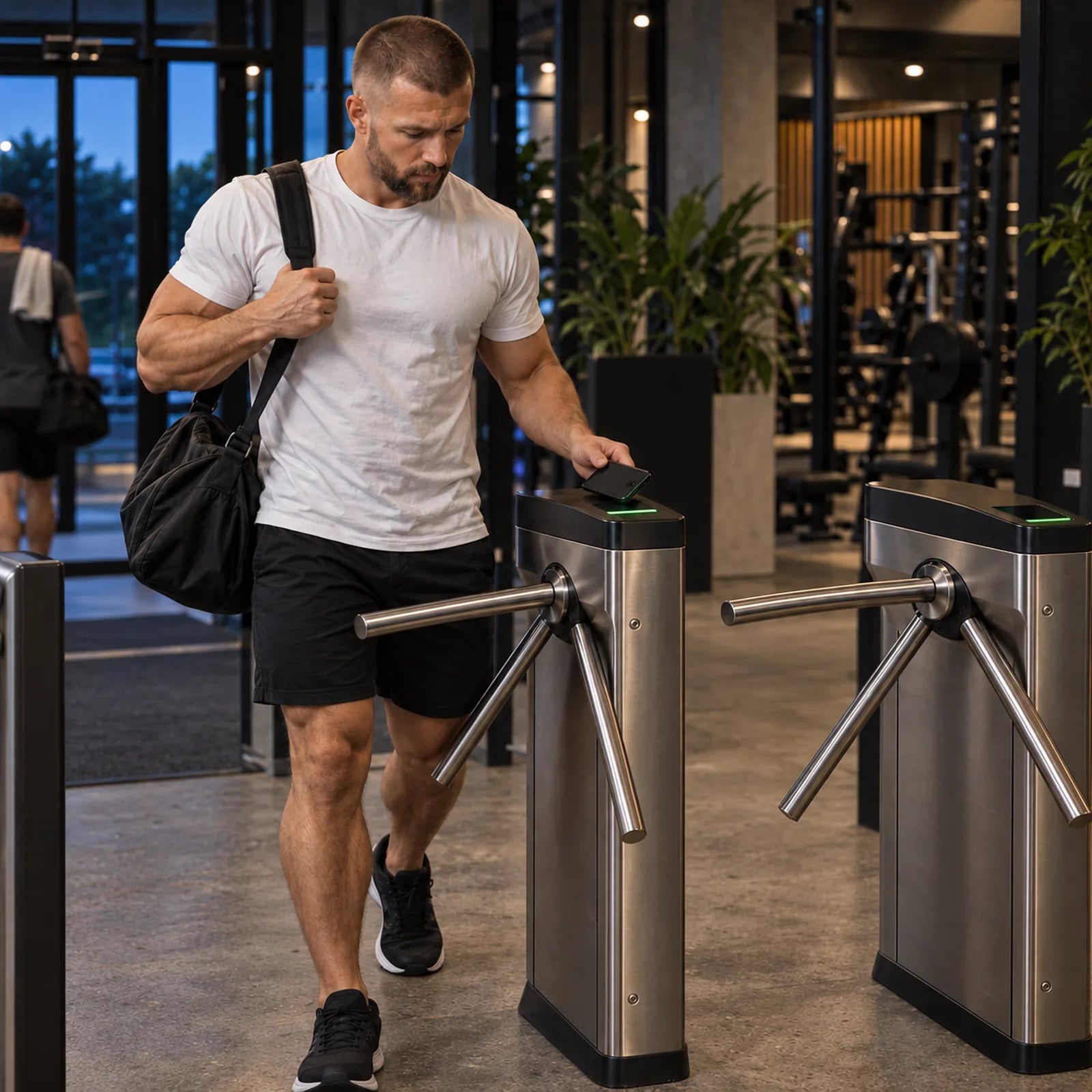
Tripod turnstile
The classic gym entrance. One person per scan, with the QR reader built into the top cover. The right choice for most gyms and 24/7 clubs.

Speed gate
Glass wings that open as the member walks up. For busy entrances and premium clubs where the lobby has to look its best.
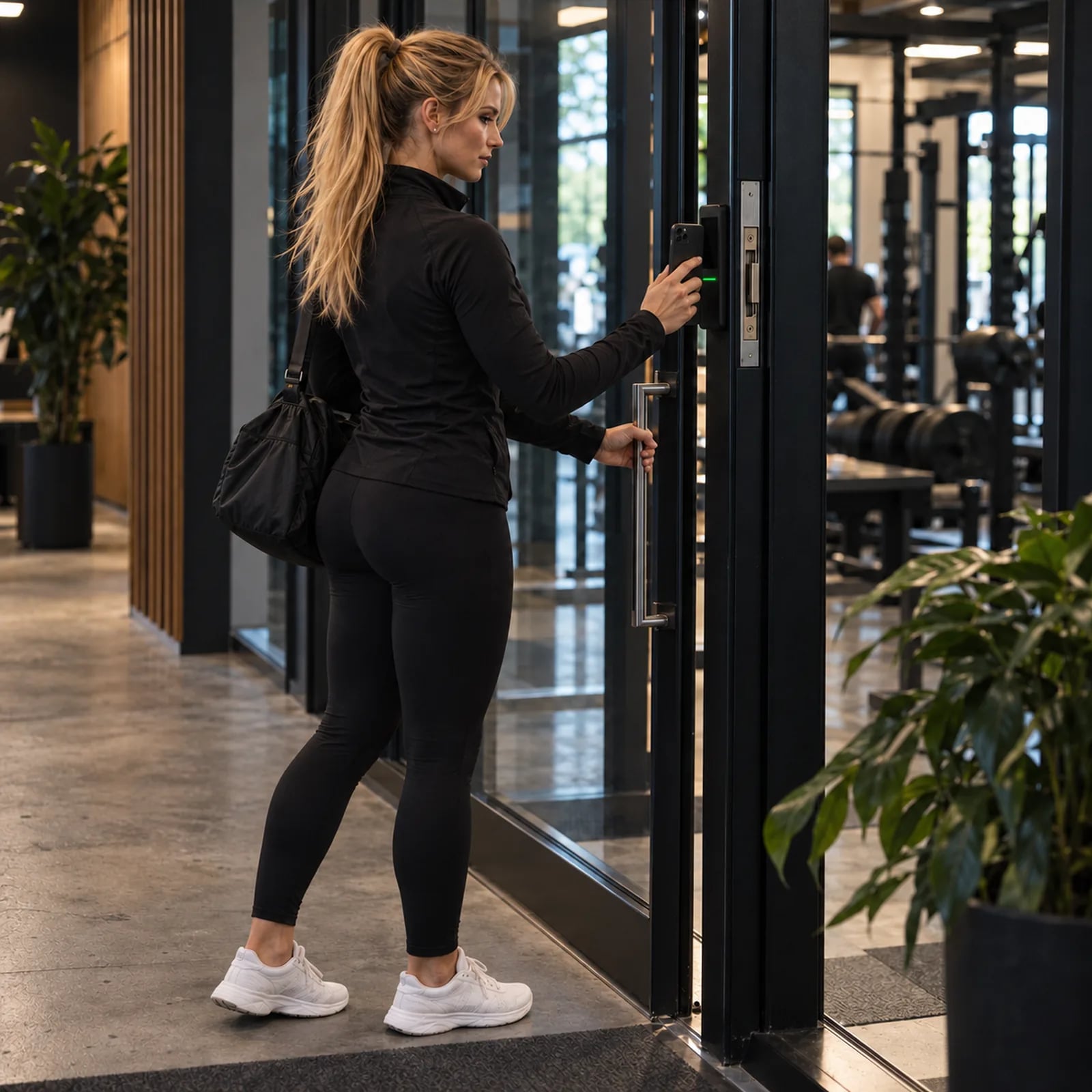
Door with a QR reader
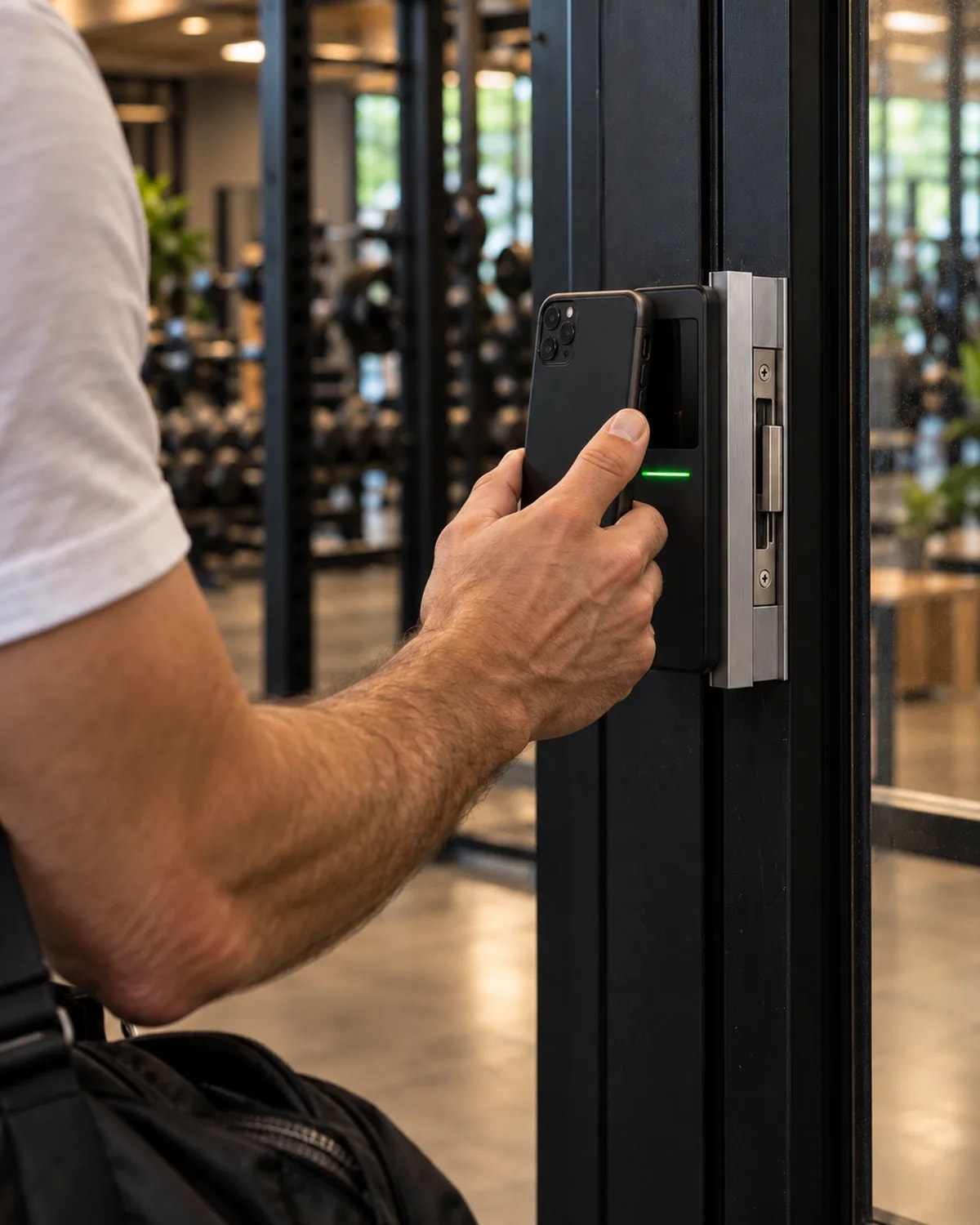
An electric strike or magnetic lock on the door you already have, with a slim QR reader beside it. Ideal for studios, small gyms and after-hours access.
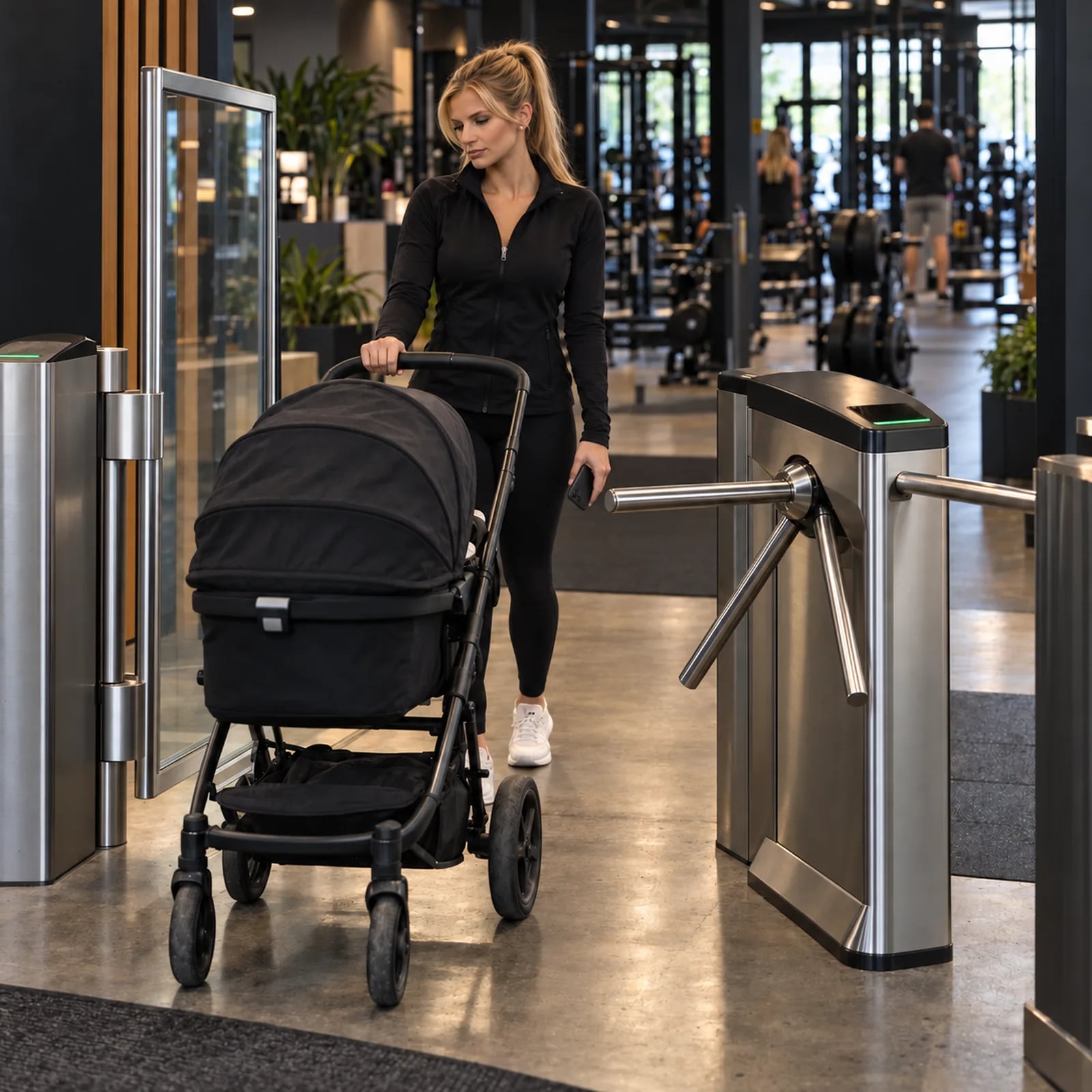
Swing gate
A wide lane for wheelchairs, prams and equipment, opened by the same member card. Usually installed next to a turnstile.
Which entrance fits your gym?
| Entrance | Best for | Space at the entrance | Flow of people | Feel |
|---|---|---|---|---|
| Tripod turnstile | Most gyms and 24/7 clubs | A narrow lane per turnstile | One person per scan, steady | Classic and robust |
| Speed gate | Busy and premium entrances | A wider lane with glass wings | Fastest, members walk through without stopping | Open and premium |
| Door with a QR reader | Studios, small gyms and after-hours access | No extra floor space | One door, opened per scan | Invisible, uses your own door |
| Swing gate | Wheelchairs, prams and equipment | A wide lane, usually next to a turnstile | Opens and closes per scan | Accessible |
The whole system at a glance.
- Entrance types
- Tripod turnstile, speed gate, swing gate, or a door lock with a wall QR reader
- Member credential
- A signed QR member card in the Trainera app, or in the gym's own app on White Label and Studio
- Gates per gym
- Up to 10 gates, readers or doors, included on every gym plan
- Check on every scan
- One HTTPS request with the gate's device key, answered allow or deny
- Refused entries
- Expired or inactive memberships, used-up daily or monthly entries, unknown members and invalid codes
- Double scans
- A repeat scan within 2 minutes counts as one entry
- Code guessing
- Failed lookups are limited to 30 per minute per gate
- Reception
- USB 2D scanner, search by name, and an offline mode that syncs later
- Installation
- A local access-control partner fits the hardware; hardware and installation are quoted per entrance
From the phone to an open gate.
The gate does not decide on its own. It asks Trainera on every scan, so the door always follows the membership you sold.
- Member opens the card
- Reader scans the QR
- Trainera checks the membership
- Gate opens
- Entry appears live
Checked on every scan.
Active membership
Suspended or inactive memberships stay outside. A frozen membership is unfrozen at the first entry, with its frozen days added back.
Expiry date
An expired membership does not open the gate, and no entry is recorded.
Daily and monthly entry limits
Packages with a set number of entries stop at the limit, such as a day pass or 12 entries a month.
Genuine member cards only
Every QR member card is signed by Trainera, so a poster, a random QR code or an edited code is refused.
Live check-in feed
Every entry appears on the owner dashboard as it happens, next to check-ins from reception.
At the gate and at the desk.
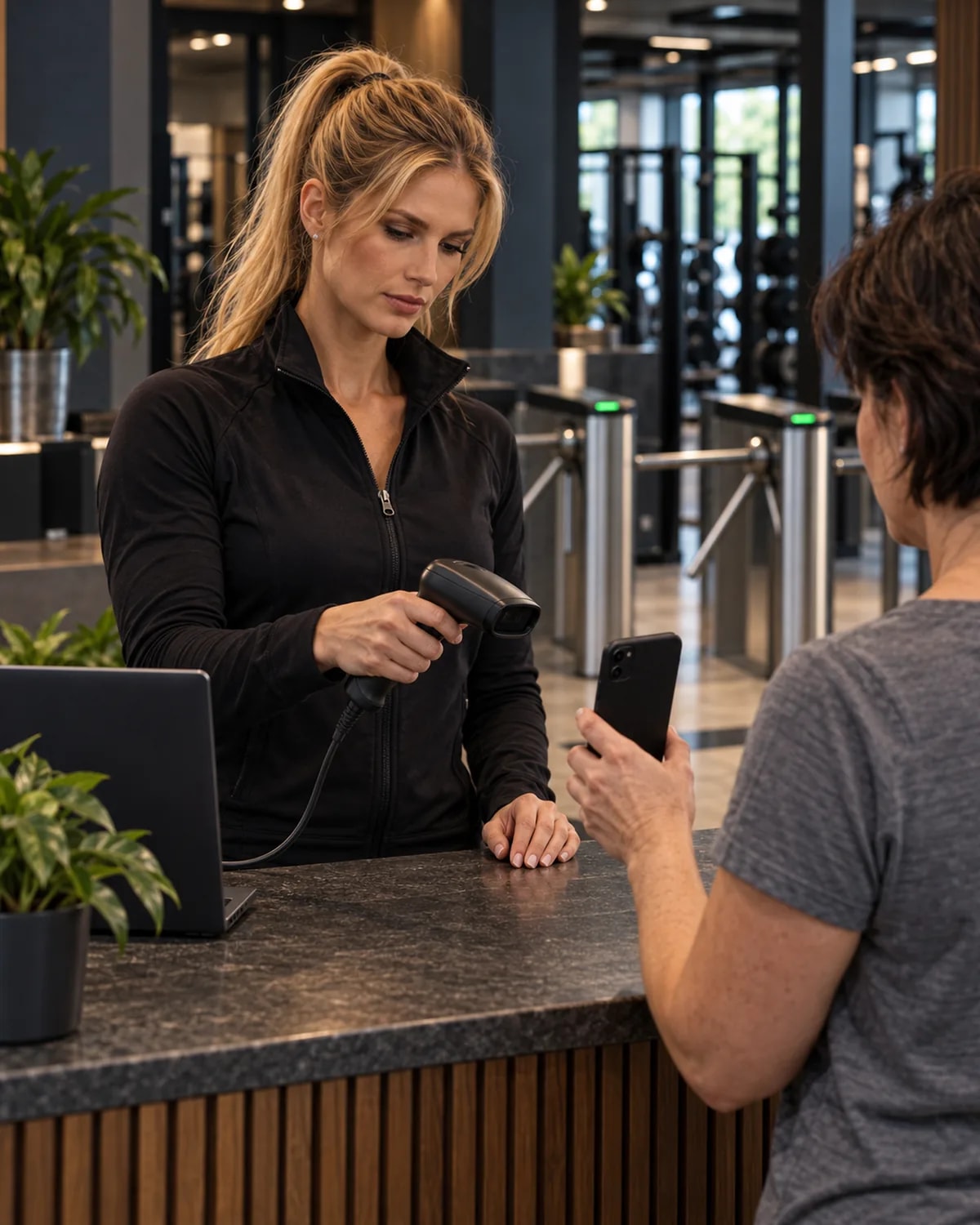
Reception checks members in too, and every entry lands in the same live feed.
A scanner at the desk
A handheld 2D scanner reads the member card straight from the phone and checks the member in, on any keyboard layout.
Phone left at home
Find the member by member number, name or email and check them in with one click.
Keeps working without internet
If the connection drops, reception keeps checking members in against the saved member list, and the entries sync when it is back.
Who just walked in
Every entry, from the gate or the desk, shows the member's photo, package, expiry date and any unpaid balance in the live feed.
Automations at the door
A first visit, a 50th visit, a refused entry or a member who has stopped coming can start an automation, such as a welcome or a win-back message.
Installed for you, start to finish.
We look at your entrance
Send us a few photos or book a call. We recommend the gate type, the QR reader and the number of lanes for your space and your member count.
A local installer fits the hardware
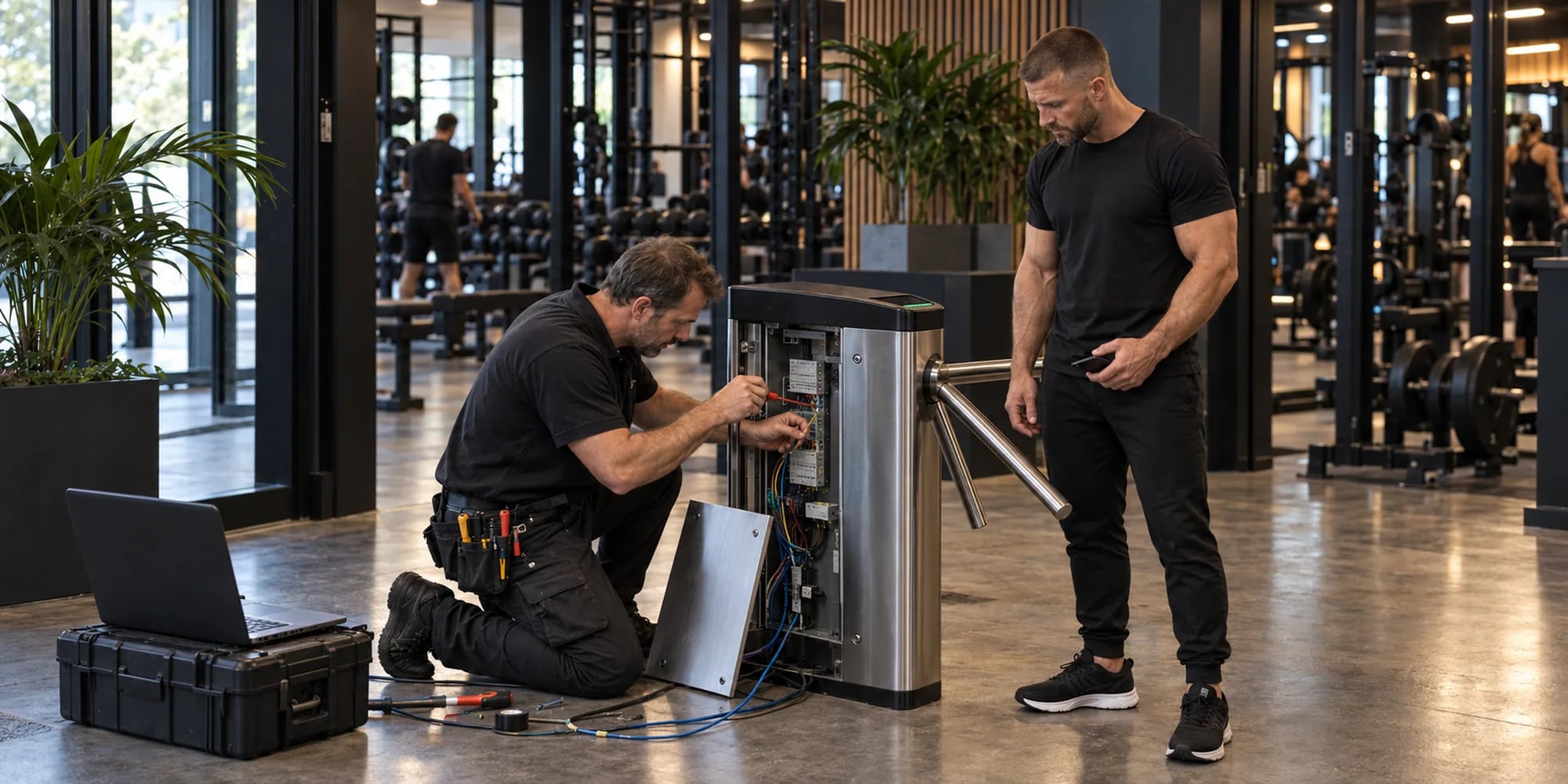
Our access-control partner installs the gate, the reader and the controller, with power and a wired network connection. Hardware and installation are quoted for your entrance.
We connect it to Trainera
Each gate gets its own device key from the Access page in your dashboard. We test it with real member cards before you open the doors.
Members walk in
From day one, only valid memberships open the gate. You can switch any gate off from the dashboard at any time.
The connection to Trainera is included on every gym plan, with up to 10 gates, readers or doors per gym.
Already have a turnstile? Keep it.
Many existing systems can be connected. Either the controller calls our check-in API directly, or a small module between the QR reader and the relay does it. We look at your hardware on a call before anything new is bought.
For installers: one request, one answer.
The gate sends the scanned code to one HTTPS endpoint with its device key. No SDK and no gym software to install on site.
Trainera replies allow or deny, with a reason such as an expired membership or a used-up entry limit, and the relay does the rest.
Installers get the API documentation and a test gym with sample members. Write to support@trainera.fit.
Turnstiles and door access FAQ
Yes. Trainera arranges the whole entrance: we recommend the hardware, a local access-control partner installs the tripod turnstile, speed gate, swing gate or door lock with a QR reader, and we connect it to your gym's Trainera account and test it with real member cards. In the Balkans we work with local installation partners. Anywhere else, an access-control installer near you can connect the gate to our check-in API, and we help them on a call.
Four common options: a tripod turnstile, the classic one-person gym entrance; a speed gate with glass wings for busy or premium entrances; an electric strike or magnetic lock on an existing door with a wall QR reader; and a wide swing gate for wheelchairs, prams and equipment, usually next to a turnstile. You can combine them, for example two turnstiles and a swing gate.
The member opens their membership card in the Trainera app, or in your gym's own app on the White Label and Studio plans, and holds the QR code to the reader. The gate sends the code to Trainera, which checks the membership and answers straight away. If it is valid, the gate opens and the entry appears on your live check-in feed.
The gate stays closed. Trainera refuses expired, suspended and inactive memberships, unknown member numbers and packages whose daily or monthly entries are used up, and no entry is recorded. A frozen membership is unfrozen automatically at the first entry, with its frozen days added back.
It opens the gate. The reader sends the scanned code to Trainera, Trainera checks the membership and answers allow or deny, and the controller releases the turnstile or door only on allow. The same scan records the check-in, so reception sees every entry and every refusal live. It is worth asking every vendor, because a QR check-in on its own does not open anything.
Yes. Members enter with the QR card in the app, and the gate lets in only active memberships within their daily and monthly entry limits, so nobody has to stand at the desk. The gate does not apply opening hours or time windows, and cameras and the alarm stay with your security provider.
Often, yes. If the controller can send an HTTPS request, it calls our check-in API directly. If it cannot, a small module between the QR reader and the relay does it. The reader must be a 2D imager that reads QR codes from phone screens. We look at your hardware on a call before anything is replaced.
The connection to Trainera is included on every gym plan, with up to 10 gates, readers or doors per gym. The hardware and its installation are quoted for your entrance, because a single door lock and a line of three turnstiles are very different jobs.
Power, a wired internet connection to the controller, a 2D QR reader that reads phone screens, and a controller with a relay that opens the gate. A small UPS is recommended so the reader and controller keep running through short power cuts.
The gate needs a connection to check memberships with Trainera. Before installation we agree with you what it does when it cannot reach us: open, with staff keeping an eye on the door, or locked. Reception keeps checking members in from the dashboard in the meantime, even without internet, and those entries sync when the connection is back.
Yes. Staff can check members in from the dashboard or scan member cards with a USB scanner at the desk, and those entries appear in the same live feed as the gate.
The gate sends the scanned QR code to one HTTPS endpoint with a device key that the gym creates on its Access page, and Trainera answers allow or deny with a reason. Write to support@trainera.fit for the API documentation and a test gym with sample members.
Show us your entrance.
Book a call or send a few photos. We recommend the hardware, arrange the installation and connect the gate to your memberships.
- Send photos of your entrance or book a call
- Get a hardware recommendation and an installation quote
- We connect the gate and test it with your member cards