Custom Gym App: How to Get One for Your Gym
Members expect an app from a serious gym. Building one from scratch is expensive and slow. Here is how gyms get a custom, branded member app without the six-figure build.
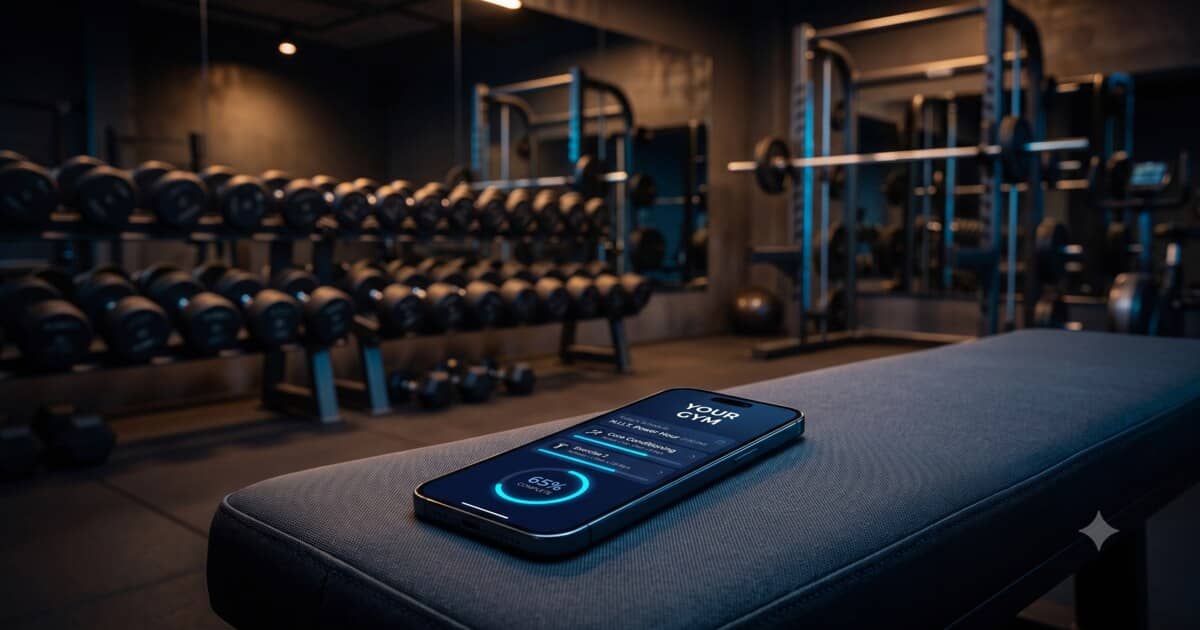
The Short Answer: Brand a Ready Platform, Do Not Build From Scratch
The smart way for a gym to get its own custom app is to put your branding on a ready-made fitness platform, not to hire developers to build one from zero. A branded (white-label) member app gives you your gym's name, logo, and colours in the App Store and on members' phones, with all the coaching and tracking features already built, for a subscription instead of a six-figure development bill. You launch in weeks, not the better part of a year.
A custom-built gym app can absolutely be done, but it is expensive, slow, and never finished. For the vast majority of gyms and studios, rebranding an existing platform delivers the same member experience at a tiny fraction of the cost and effort.
Why Your Gym Needs an App at All
An app is no longer a luxury for a serious gym; it is how members stay engaged between visits. A good gym app keeps your brand on the member's phone every day, not just when they walk through the door.
- Retention: members who follow plans and track progress in your app stick around longer.
- Brand presence: your logo sits on their home screen, reinforcing your gym daily.
- Professional image: an app signals an established, modern operation.
- New revenue: sell online coaching, plans, and memberships directly in the app.
- Less admin: plans, payments, and communication live in one place instead of scattered across chat apps and spreadsheets.
Two Ways to Get a Custom Gym App
Build It From Scratch
You hire an agency or developers to design and build native iOS and Android apps plus a backend. You own the code, but you carry every cost: design, development, testing, servers, App Store submission, and endless maintenance. Realistic budgets run from tens of thousands into six figures, and 6 to 12 months pass before a member logs in. Then the bills never stop. For the full picture, see our breakdown of how much it costs to build a fitness app.
Brand a Ready Platform (Recommended)
You take a proven fitness platform and rebrand it as your gym's app. The vendor maintains the software, ships updates, and keeps it compliant with Apple and Google. You add your branding and content and go live. No developers, no codebase, no maintenance, just a subscription and a launch measured in weeks. This is how most gyms realistically get a "custom" app. Our guide on building a branded fitness app with no code walks through the whole process.
What a Custom Gym App Should Include
Before choosing a platform, know what your members and staff actually need:
- Member workout plans your trainers assign, with sets, reps, and weights logged per session.
- Nutrition plans and a diet tracker for calories, macros, and water.
- Progress tracking for bodyweight, measurements, and photos.
- Exercise and meal libraries so trainers build plans fast instead of from scratch.
- Trainer-to-member messaging inside the app.
- Payments and memberships so members pay you directly in the app.
- Group training tools to manage classes and multiple members at once.
- Wearable integration for steps, heart rate, and activity.
- Your branding across the icon, colours, and your own domain.
A platform like Trainera.fit ships with all of this already built, including AI-generated training and nutrition plans, integrated payments, group training, wearable support, and large exercise and meal libraries, so your gym's app is complete on launch day.
How to Launch Your Gym App, Step by Step
1. Decide What Your App Delivers
Personal coaching, self-guided plans, group classes, or a mix. Your offer shapes which features matter most and how you price memberships inside the app.
2. Choose a Platform That Supports Full Branding
Confirm you can get your gym's own App Store listing, logo, colours, and domain, not just a logo swap. On most platforms, full branding sits on a premium or Enterprise tier, so check before you commit.
3. Add Your Gym's Branding
Upload your logo, set your colours, and connect your domain for the web version. This is configuration, not coding, and turns the generic platform into your gym's app.
4. Load Your Content and Set Up Staff
Bring in your workout and nutrition plans or adapt the built-in libraries, then give your trainers accounts to manage their members.
5. Connect Payments and Onboard Members
Set up memberships and payments, then invite your existing members and use the app as a selling point for new sign-ups.
What It Costs a Gym
The two routes are worlds apart. A custom build means tens of thousands of euros and 6 to 12 months before launch, plus ongoing maintenance forever. Branding a ready platform means a predictable subscription and a launch in weeks, with updates and maintenance handled for you. For the price of a few months of custom development, a branded gym app can run for years, freeing your budget for equipment, staff, and marketing.
Is a Custom Gym App Worth It?
For most gyms and studios, yes, provided you take the branded-platform route rather than building from scratch. A member app improves retention, strengthens your brand, and opens new revenue for a modest monthly cost. Building custom software only makes sense for a large chain with a unique concept and a real budget for engineering. For an independent gym or a growing studio, rebranding a proven platform is faster, cheaper, and far lower risk.
Give Your Gym an App Without Building One
Your members expect an app, and your brand deserves to be on their phones. You do not need to spend a fortune or wait a year to make it happen. Brand a ready platform that already has the plans, tracking, payments, and group tools built in, add your gym's identity, and launch in weeks.
If you want a custom app for your gym without the six-figure build, Trainera.fit offers a white-label member app on its White Label plan, complete with AI training and nutrition plans, a diet and workout tracker, group training, integrated payments, wearables, and ready-made exercise and meal libraries, all under your gym's name.
Run a gym or studio? Trainera brings memberships, QR check-in, a branded member app and payouts into one gym management software. Start free, no card needed.
Frequently Asked Questions
How do I get a custom app for my gym?
How much does a custom gym app cost?
What features should a gym app have?
Is a gym app worth it for a small studio?
Keep Reading
Run your gym on Trainera
Memberships, check-ins, staff and payments in one place
QR and turnstile check-in, membership packages, staff logins and a gym website, with no per-member fees. We move your members from your current software for free.