AI Rep Counter App: Count Reps With Your Phone Camera
Get your free AI training and nutrition plan in 60 seconds
An AI rep counter follows your body through the phone camera and counts every rep out loud, so you never lose count mid-set. Here is how it works, how to set it up in two minutes and what it can and cannot see.
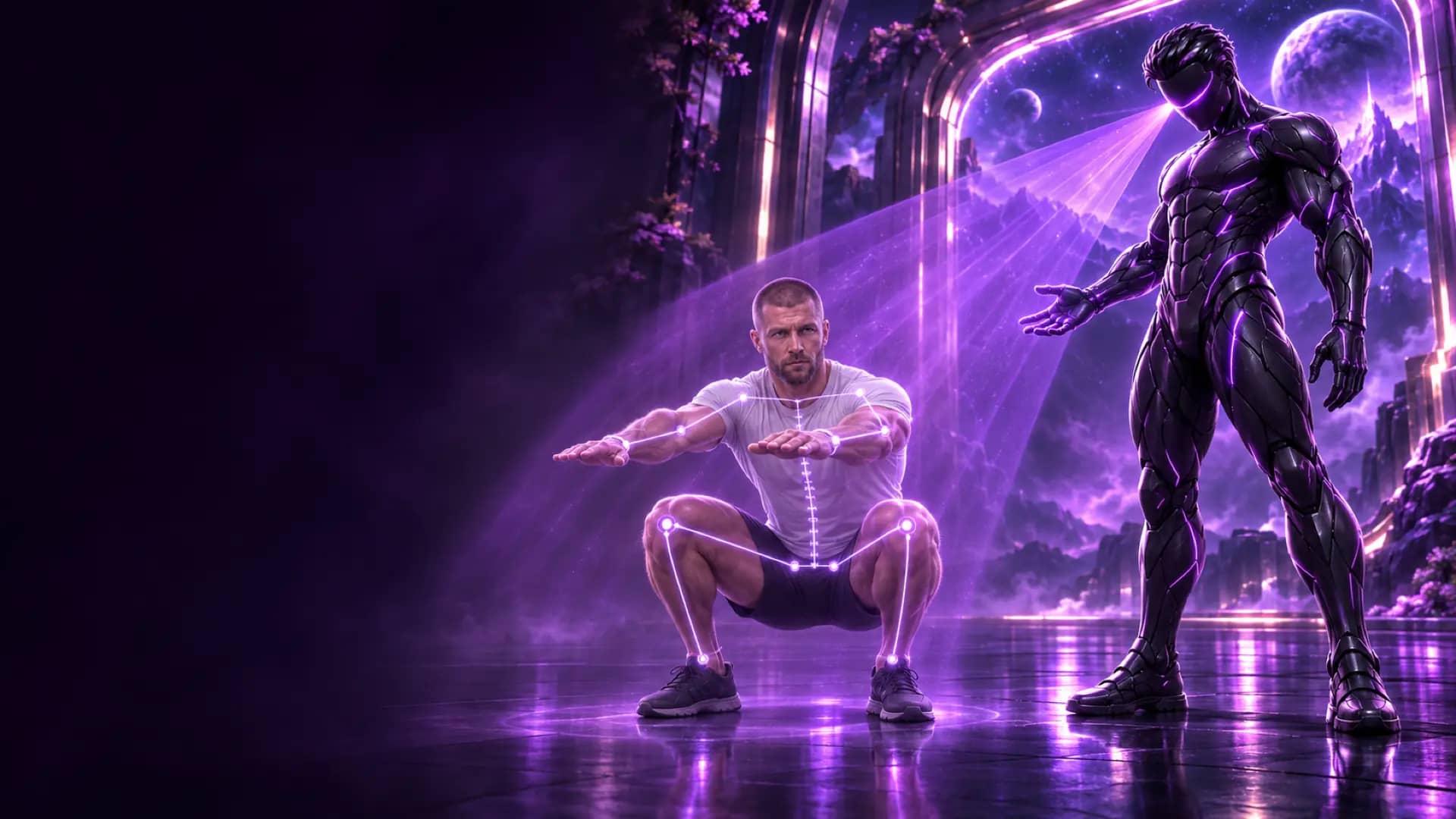
What is an AI rep counter app?
An AI rep counter app uses your phone or laptop camera to follow your body and count each repetition, or each second of a hold, without you touching the screen. A pose model tracks your joints frame by frame, recognises when a movement completes a full cycle and announces the number out loud, so your attention stays on the set.
Updated 6 November 2026. TRAI Vision is our own product; everything we state about it below is how the feature works in the current app.
Get your free AI training and nutrition plan in 60 seconds
Why counting reps by hand fails more often than you think
Most people lose count somewhere between rep 8 and rep 12, exactly where a set gets hard. You also miscount when you pause at the bottom, when you are breathing hard or when you are trying to remember the cue your coach gave you. A miscount is not trivial: if your program says three sets of 10 and you log 10 when you did 8, next week's progression is built on numbers that never happened.
There is a second problem. Research on training close to failure shows that how near you finish to your limit changes the stimulus, and a 2023 meta-analysis in Sports Medicine found no clear advantage for going all the way to momentary failure over stopping a little short. To use that, you need to know what you actually did. A counter that does the arithmetic for you frees your attention for effort and position.
How a camera rep counter works
Modern rep counters rely on pose estimation. Google's MediaPipe Pose Landmarker, which is built on the BlazePose research model, tracks 33 body landmarks such as shoulders, elbows, hips, knees and ankles. From those points the app calculates joint angles and positions over time.
- Detect the body. Every camera frame is analysed to find the 33 points.
- Follow the movement. For a squat the app watches hip and knee angles; for a curl, the elbow; for a push-up, the elbows and the line from shoulders to ankles.
- Count full cycles. A rep counts when the movement goes from the start position to the turning point and back. Half movements and small bounces do not complete a cycle.
Because the pattern is defined per exercise, a good counter needs to know which exercise you are doing and from which angle the camera sees you. That is why the camera position matters more than the phone you own.
How TRAI Vision counts your reps
TRAI Vision is the camera coach inside the Trainera app, available on the web, iOS and Android and free for every account. It runs the MediaPipe pose model on your device and follows 33 body points.
- Put the phone down. Lean it on a bottle or a dumbbell about 2 to 3 metres away. For each exercise the app shows where the phone goes: in front of you, from the side or at 45 degrees, at hip height or on the floor.
- Hold the start position for 2 seconds. TRAI calibrates to your body and checks that you are positioned correctly before the first rep counts.
- Train. TRAI counts every rep out loud, or the seconds of a hold. On exercises with form correction it also says the one fix that matters most on that rep.
- Finish the set. The counted reps are written into the set in your workout log, so there is nothing to type afterwards.
The camera knows whether it is looking at you from the front, the side or at 45 degrees, and it only judges what it can actually see from that angle. If a detail is hidden, it is left alone rather than guessed.
Which exercises can it count?
TRAI Vision follows 902 exercises from the Trainera library. 252 of them also get live form correction, including squats, deadlifts, push-ups, rows, presses, curls, triceps work, lateral raises, lunges, hip thrusts, pull-ups, dips, leg raises, sit-ups, planks, side planks and wall sits. The rest are counted without form cues. Many machine and cable versions are tracked too, mostly counted only; stations that hide your body, cardio machines, stretches, throws, Olympic lifts and carries are not. See the full breakdown in which exercises an AI rep counter can track.
Set up your camera in two minutes
| Check | Why it matters |
|---|---|
| Whole body in frame, head to feet | A cut-off ankle or hand removes landmarks the count depends on. |
| 2 to 3 metres from the phone | Close enough for clear joints, far enough for full range of motion. |
| The angle the exercise asks for | Squat depth reads best from the side; knee tracking reads best from the front. |
| Light in front of you, not behind | A bright window behind you turns your body into a silhouette. |
| Fitted clothing in a colour that contrasts with the wall | Loose, dark clothes against a dark background blur the joint positions. |
| Nobody else walking through the frame | A second person can confuse which body to follow. |
For a full home routine built around these angles, see home workouts with your phone camera.
What happens to your video
Nothing leaves your device. The pose model runs on your phone or in your browser, the video is never uploaded or stored, and the microphone is not used. Only the rep count is saved into your workout. We explain the details in does a rep counter app record video.
Counting is only half of it
A rep counter tells you how many. On 252 exercises TRAI also tells you how well: one short correction per rep, such as "Push your knees out", "Chest up" or "Go lower", chosen by priority (safety first, then the movement, then detail). Each rep gets a green dot when it is clean and an amber dot when it has a fault, and the set ends with a summary such as "8/10 good reps, most common: Go lower". Read how camera form correction works for the full logic.
Hands-free workouts with AI Tabata
If you want the whole session to run without touching the phone, AI Tabata keeps the camera on for the entire workout. For rep sets there is no timer: TRAI counts to your target, writes the reps into the set and moves you to the next exercise.
Limits worth knowing
- Many machine and cable exercises are counted, but mostly without form cues. Stations that hide your body, cardio machines, stretches, throws, Olympic lifts and carries are not tracked.
- On slower devices TRAI keeps counting but turns form checks off, and tells you so.
- The count is only as good as the view: if the camera loses your hips or feet, it cannot see the movement complete.
- The 28 recorded coaching voices are downloaded once and then work offline.
Try it on your next set. Create a free Trainera account, open any supported exercise and start the camera. If you train with a coach, TRAI Vision works on the exercises in your plan and the counted reps go straight into the log your coach reviews.
Frequently Asked Questions
Can an app count reps with the phone camera?
Is the TRAI Vision rep counter free?
Does the app record or upload my video?
Where should I put my phone?
Can it count plank seconds as well as reps?
Does it work on machines and cables?
Is the count saved?
Keep Reading
Get your free AI training and nutrition plan in 60 seconds
1,700+ exercises, wearables and progress tracking, free with no card needed. AI food scanning comes with Premium. Train solo or with a certified coach.