Which Exercises Can an AI Rep Counter Track?
Get your free AI training and nutrition plan in 60 seconds
A camera rep counter works best on movements where your whole body stays visible. TRAI Vision follows 902 library exercises and corrects form on 252 of them. Here is the list by movement family, the camera angle each needs and what is out of reach.
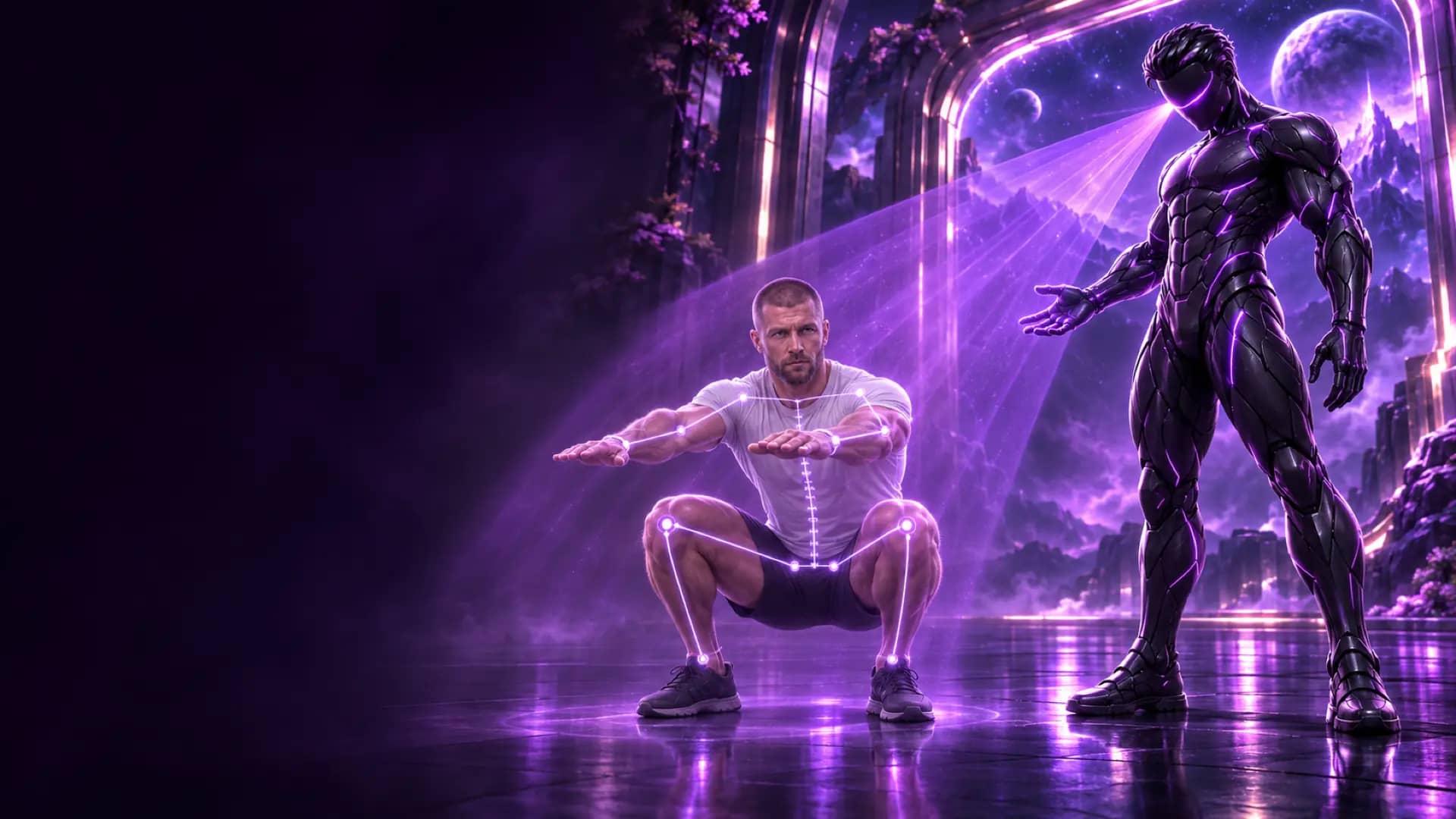
Which exercises can an AI rep counter track?
A camera rep counter can track exercises where your whole body, or at least the moving joints, stays visible to a single camera. That covers most bodyweight and free-weight movements. TRAI Vision in the Trainera app follows 902 library exercises, including many machine and cable versions, and corrects form live on 252 of them.
Updated 6 November 2026. Numbers refer to TRAI Vision, the free camera coach in our Trainera app.
Get your free AI training and nutrition plan in 60 seconds
What makes an exercise trackable
A camera rep counter works with pose estimation. Google's MediaPipe Pose Landmarker, which TRAI Vision uses on the device, tracks 33 body points. An exercise is trackable when three conditions are met:
- The moving joints stay visible. If a bench pad, a machine frame or your own torso blocks the elbows or knees, the count loses its signal.
- The movement has a clear cycle. Down and up, out and back, or a held position. The counter needs a start, a turning point and a return.
- The camera can see the important plane. Depth is a side-view question; knee tracking is a front-view question. One camera sees two dimensions, so each exercise has a best angle.
Exercises with live form correction
These movement families get both counting and one spoken correction per rep, prioritised safety first, then movement, then detail. The cues below are examples TRAI uses.
| Family | Example cues | Usual camera angle |
|---|---|---|
| Squats | "Push your knees out", "Keep your heels down", "Chest up", "Go lower", "Don't bounce at the bottom" | Side or front |
| Deadlifts and RDLs | "Push your hips back", "Keep the weight close to your legs", "Stand all the way up" | Side |
| Push-ups | "Hips up", "Hips down", "Keep your elbows closer to your body", "Straighten your arms at the top" | Side |
| Rows | Torso position and range | Side or 45° |
| Overhead presses | "Don't arch your back", "Press both arms evenly", "Straighten your arms at the top" | Side or front |
| Curls | "Keep your elbows at your sides", "Curl all the way up", "Lower the weight slowly", "Keep your body still" | Side or 45° |
| Triceps exercises, including the cable pushdown | "Keep your upper arms still", lockout | Side |
| Lateral raises | "Stop at shoulder height", "Raise both arms evenly", "Keep your body still" | Front |
| Lunges | "Go lower", "Chest up", "Slow down" | Side or front |
| Hip thrusts | "Push your hips all the way up" | Side |
| Pull-ups | "Pull your chin over the bar", "Straighten your arms at the bottom" | Front or side |
| Dips | Depth and lockout | Side |
| Leg raises and sit-ups | "Lower your legs slowly", "Sit all the way up" | Side |
| Planks and side planks | "Hips up", "Elbows under your shoulders" | Side or front |
| Wall sits | "Back against the wall" | Side |
Each rep is marked green when clean and amber when TRAI found a fault, and the set ends with a summary like "9/10 good reps, most common: Go lower". For holds, the clock only runs while the position is right.
Exercises that are counted only
Of the 902 exercises TRAI follows, 650 are counted without form cues. The camera still recognises the movement cycle and says each number out loud, and the count lands in your set when you finish. For these exercises the value is hands-free volume tracking, not technique coaching. Bench press variations, crunches, calf raises, step-ups and most lateral-raise and curl variations are in this group.
Machines and cables
Many machine and cable versions are tracked as well, mostly counted only: lat pulldowns, seated cable rows, cable flyes and crossovers, cable curls, leg curls, leg extensions and machine or Smith machine calf raises, for example. Machines that guide the movement or hide the body, such as the leg press or a Smith machine squat, are not tracked. A few cable exercises keep form correction because the body stays fully visible, such as the triceps pushdown. What decides it is whether the camera can still see the moving joints.
What is not tracked
| Not tracked | Why | What to do instead |
|---|---|---|
| Machines and stations that hide the body | The frame, pads or seat block the joints from the camera | Log sets manually as usual |
| Cardio machines | A treadmill, bike or rower hides the legs and the movement has no clear rep | Log time or distance manually |
| Stretches, throws, Olympic lifts and carries | No countable cycle, or movement too fast or through several planes | Log manually |
| Anything out of frame | Missing landmarks break the movement cycle | Move the phone back to 2 to 3 metres |
TRAI also only judges what it can see from the current angle. If a cue needs a view the camera does not have, it is not given. That is a design choice: a confident wrong cue is worse than no cue.
Picking trackable exercises for your plan
If you train at home or alone, building your plan from trackable movements gives you counts and cues on almost every set. A simple full-body week might use squats or lunges, push-ups, dumbbell rows, a hip hinge such as a Romanian deadlift, an overhead press and planks. Our 4-week home plan for the phone camera is built entirely this way.
In the gym, mix freely: use the camera for free-weight lifts and for the machine and cable exercises it counts, and log the rest by hand. Technique guides such as dumbbell RDL form and squat technique explain the faults the camera listens for.
Device and setup requirements
- Any phone or laptop with a front camera, on the web, iOS or Android.
- About 2 to 3 metres of distance with your whole body in frame.
- The angle the exercise shows before you start: front, side or 45 degrees, at hip height or on the floor.
- A 2-second hold in the start position for calibration.
- On slower devices TRAI keeps counting but turns form checks off, and tells you so.
The pose model runs on your device; the video is never uploaded or stored and the microphone is not used. See how on-device tracking protects your video.
Check your own program. Create a free Trainera account, open your workout and start the camera on any supported exercise. Read more on the TRAI Vision page.
Frequently Asked Questions
How many exercises does TRAI Vision support?
Can an AI rep counter track machine exercises?
Does it count plank time?
Why does the app ask for a specific camera angle?
Does it work with dumbbells and barbells?
What if an exercise I do is not supported?
Keep Reading
Get your free AI training and nutrition plan in 60 seconds
1,700+ exercises, wearables and progress tracking, free with no card needed. AI food scanning comes with Premium. Train solo or with a certified coach.